
How Does MailBigFile Work?
MailBigFile enables the user to send large files up to 100GB in size, over the Internet. Using this system you can bypass any limits that may be imposed by your email system.
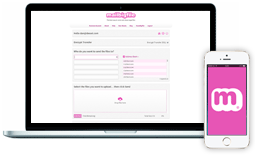
|
Upload files using your MailBigFile Pro or Business account. |

|
Your files are uploaded with 128-bit SSL encryption. |

|
Your files are stored on the MailBigFile servers with 256-bit AES encryption. |
|
|
|

|
Your recipient receives an email containing a link to the files. |
|
|
Clicking the link will take you to the file download page. |

|
Your files are downloaded from our servers to your computer using 128-bit SSL encryption. |
Did you know?
The Business account gives you the ability to brand and customise the colours on your very own send and receive pages. You also get a custom URL with your business account, such as mailbigfile.com/YOUR-URL
Read MoreTest Drive
You are very welcome to test drive the Business service.
Please sign up for a 30 day free trial.
Free Service
You can also use the free version of MailBigFile (no registration) to experience the service without committing to an account.
Use Now